

 Bulk Editor
Mixtable is an online spreadsheet, designed from the ground up to bulk edit and analyze Shopify data.
Got a question? We're here to help! Reach out at team@mixtable.com, and we'll get back
to you promptly.

Mixtable keeps your Shopify data syncing automatically in the background, so your worksheets usually stay up to date. But sometimes you need a fresh pull of everything—especially if you’ve just added new Shopify metafields or started syncing new fields that aren’t showing up yet.
When that happens, you can trigger a full re-download of all product data from Shopify into Mixtable.
Common reasons to re-download Shopify product data:
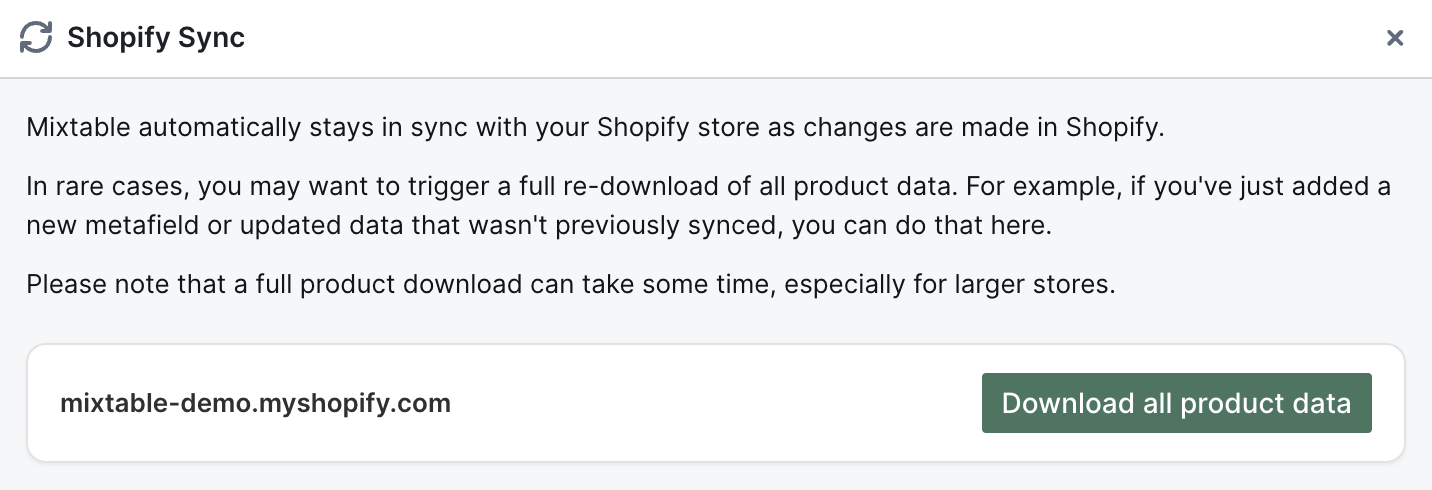
Mixtable will queue the re-download and start pulling product information from Shopify in the background.
I don’t see my Shopify store in the list
Make sure your Shopify store is connected to the workspace you’re currently in, then open Shopify Sync again.
The data still looks the same
The download takes time to complete. Wait a few minutes, then refresh your browser tab and check again.
You're ready!
Mixtable is an online spreadsheet designed to sync data with Shopify. It looks, feels, and behaves like Excel (including formulas), but runs in your browser. With Mixtable you can:
Best of all, you can sync changes back to Shopify with a single click. Find out more about the Mixtable suite of products here.